Blog
Development Stages Explained
Five Stages
Every project on the map sits at one of four steps, from first hint to finished building, plus Withdrawn for projects that stopped. We only move a project forward when a public record shows it. For a quick reminder while you browse, click the "?" next to Projects in the Map Key.
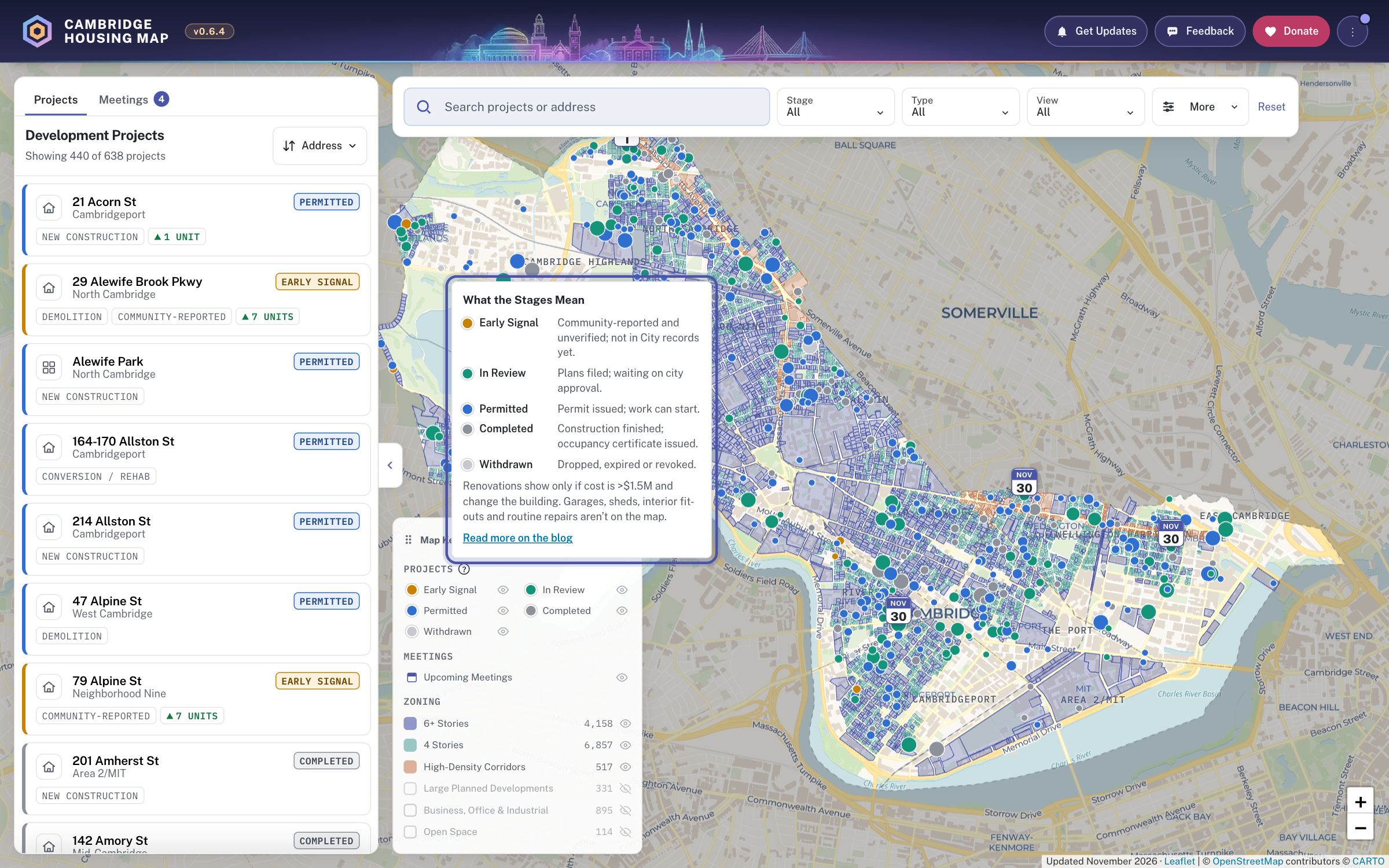
Early Signal
A project reported by the community that isn't in City records yet: no application, hearing or permit. Most come from the community-run Cambridge Redevelopment Tracker and are marked "Community-Reported". They're unverified until they show up in City records.
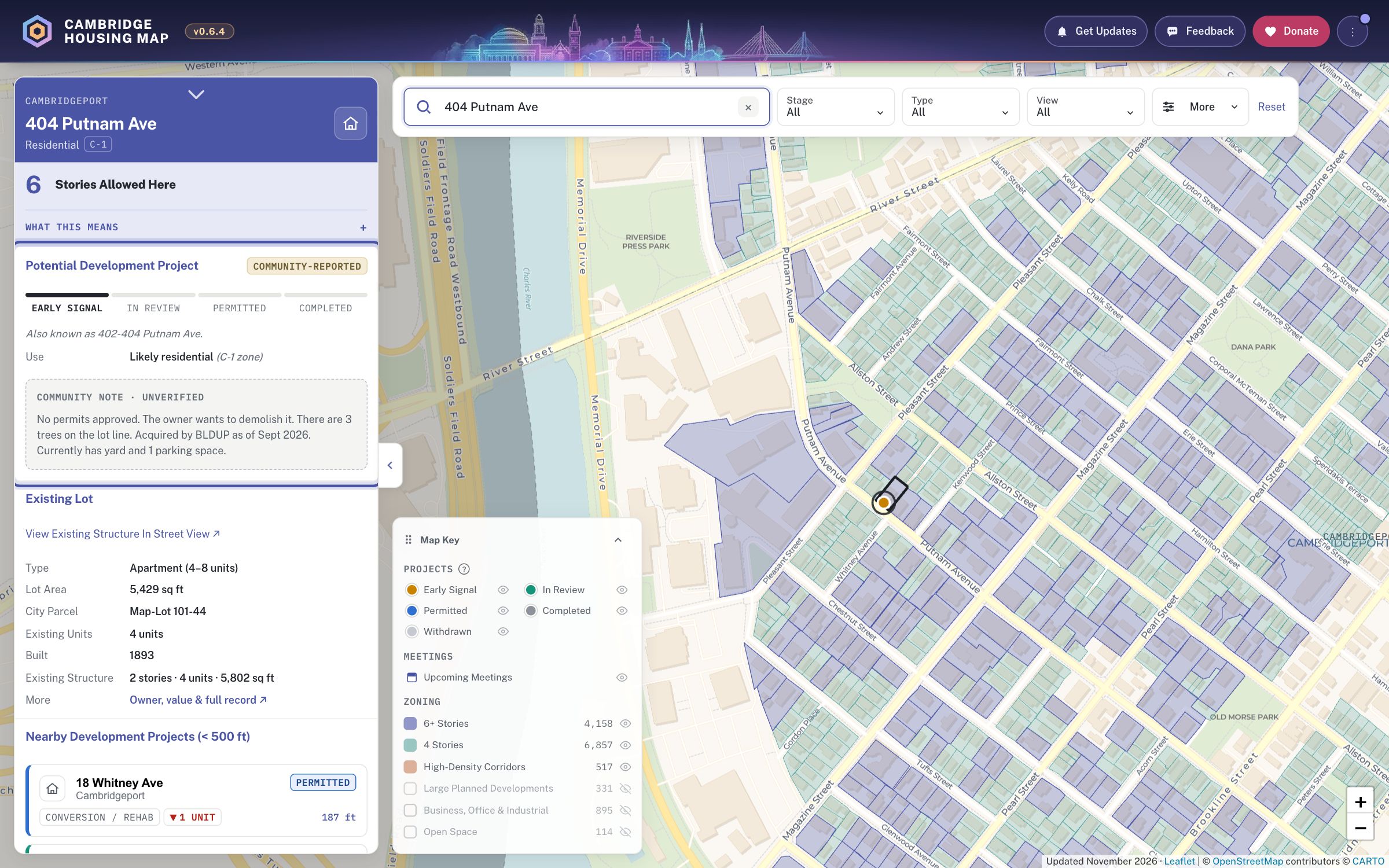
In Review
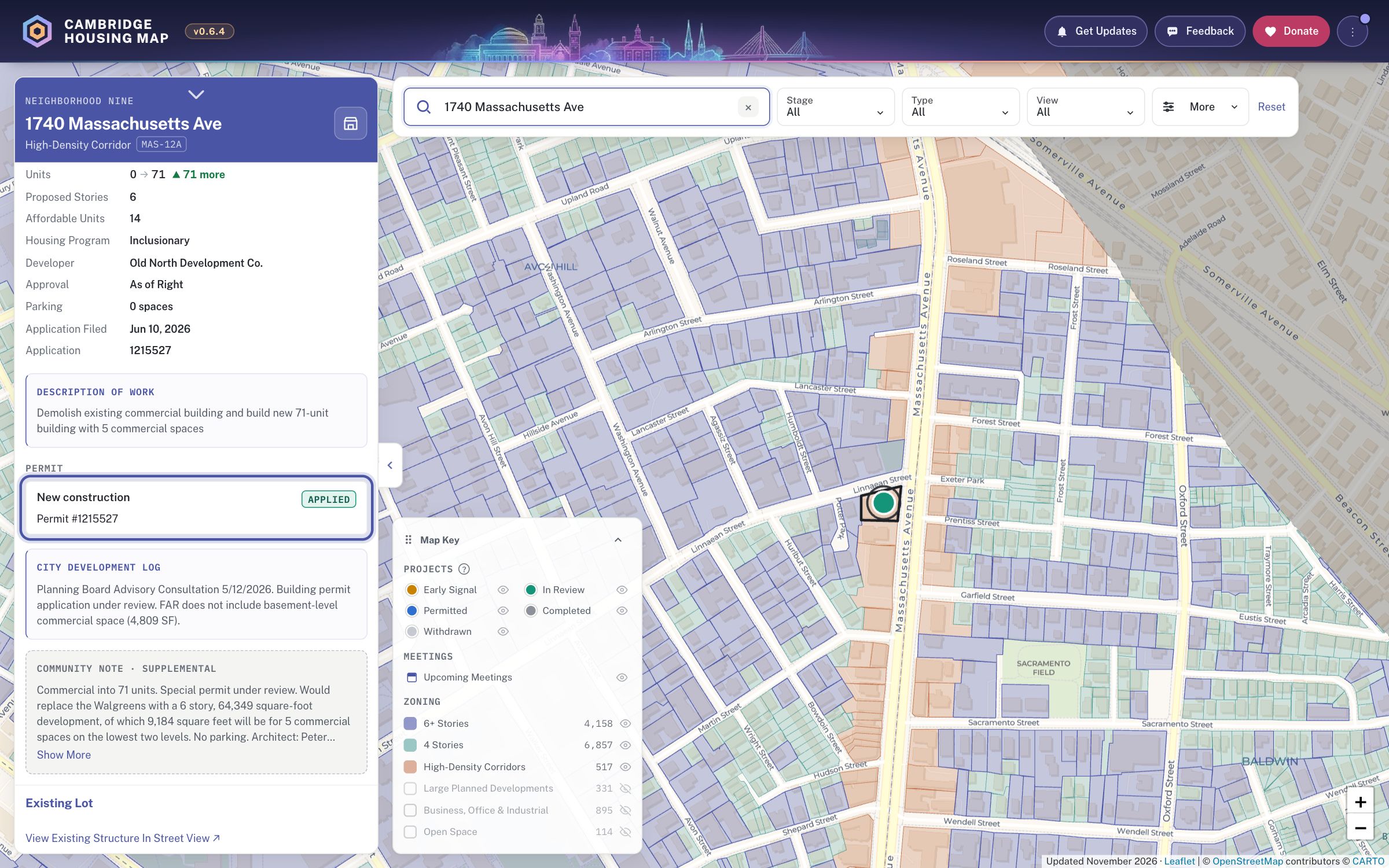
The owner has started a formal process with the City, but the work isn't approved yet. Any of these puts a project In Review:
- A permit application has been filed
- A Planning Board, zoning or Affordable Housing Overlay review
- A scheduled neighbor-notification meeting
- A Historical Commission or Neighborhood Conservation District hearing
A project can win Planning Board or zoning approval and still be In Review, because the building permit is what lets work begin. If an old building on the site already has a demolition permit, the project stays In Review until the new building's permit is issued.
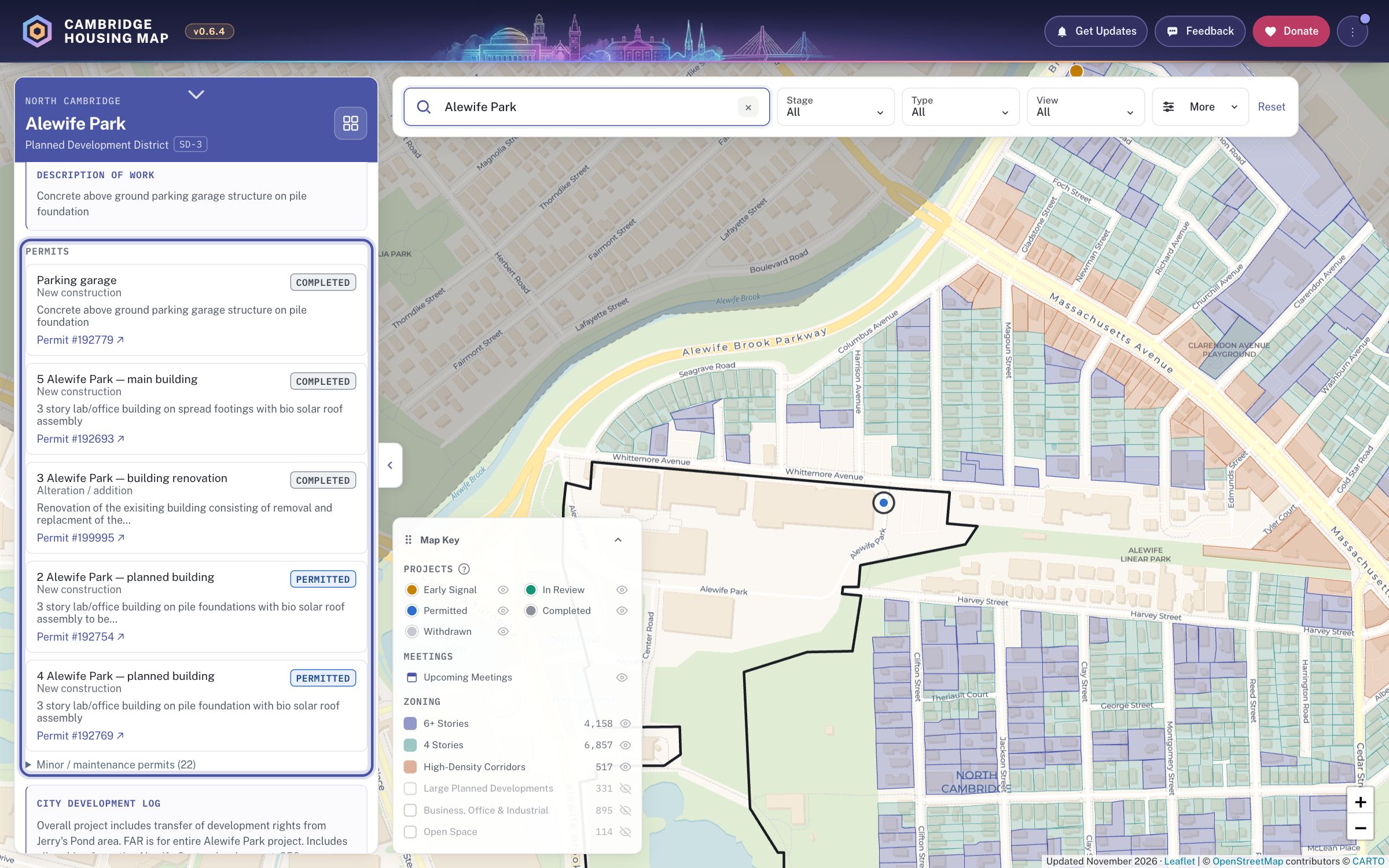
Permitted
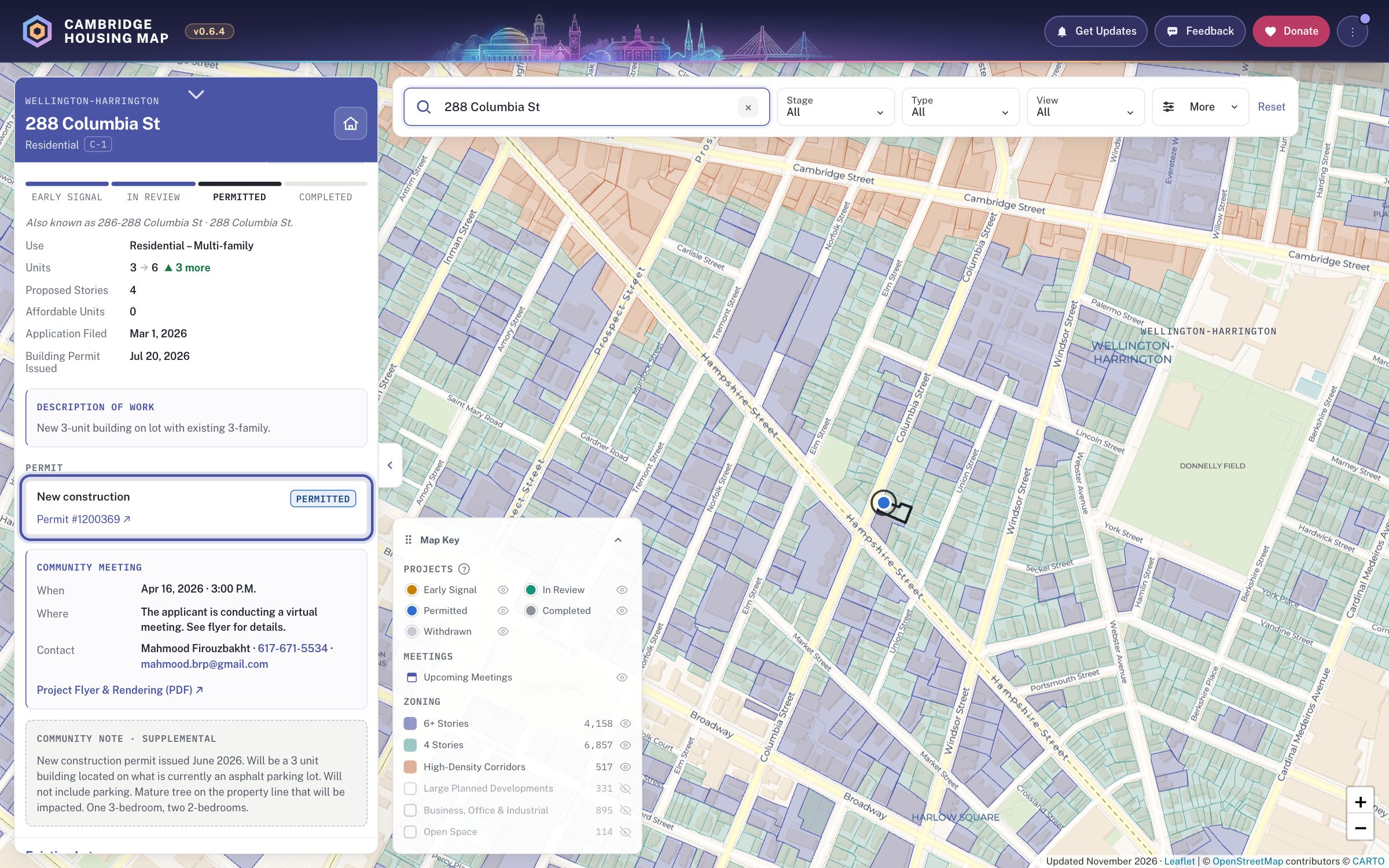
The City has issued a permit for the main work: a new building, a demolition, or a major renovation. A permit means work is allowed, not that it has started. Public records don't reliably show when construction begins, so projects stay Permitted until they're finished.
Completed
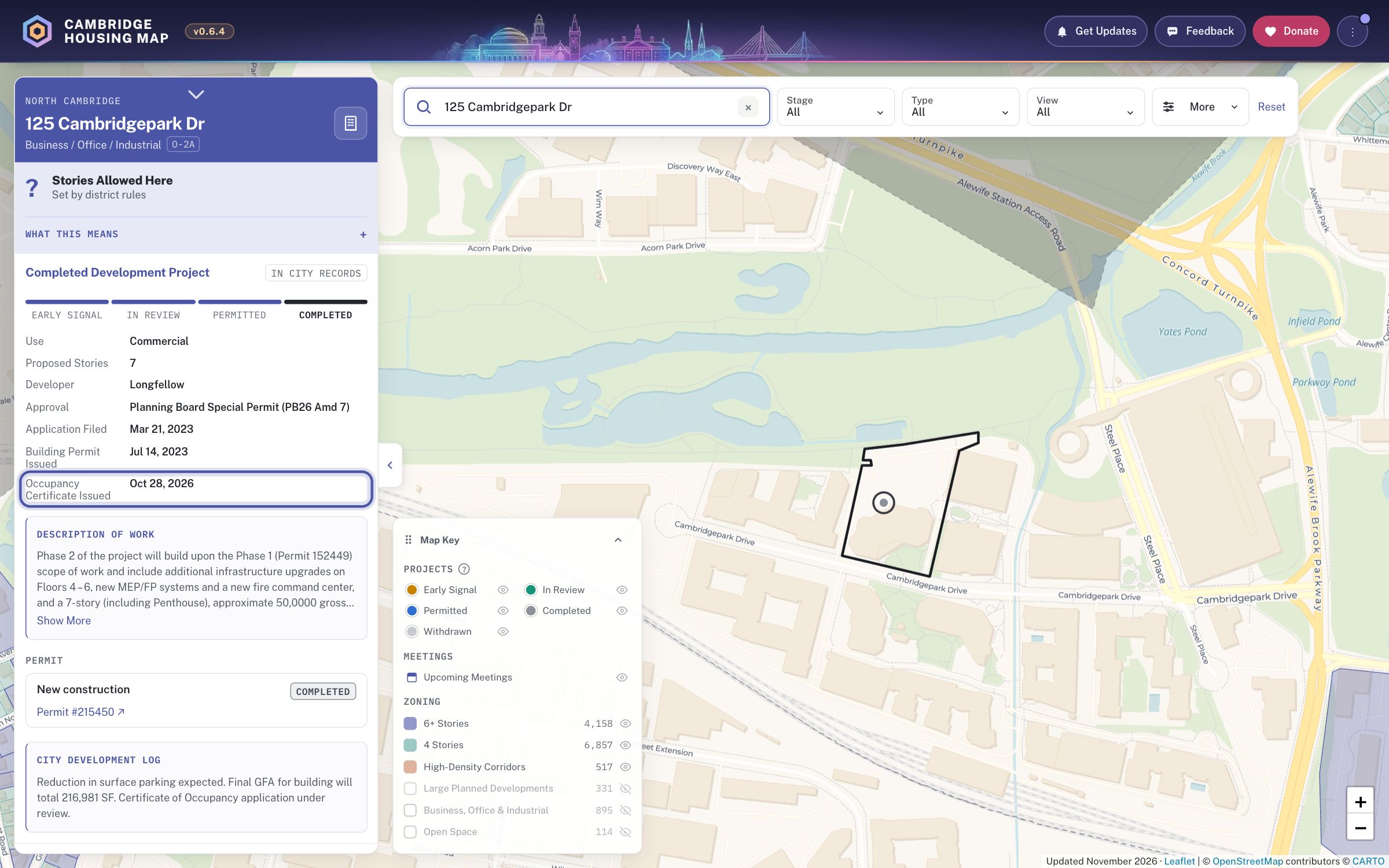
Construction is finished and the City has issued a certificate of occupancy for the whole building. Some projects have no certificate on record; those count as Completed when the City marks the main permit complete or its Development Log lists the project as complete. Temporary certificates, and certificates for only some floors or units, don't count. By default the map shows projects completed since January 1, 2025; to see every completed project, open Stage and choose All History.
Withdrawn
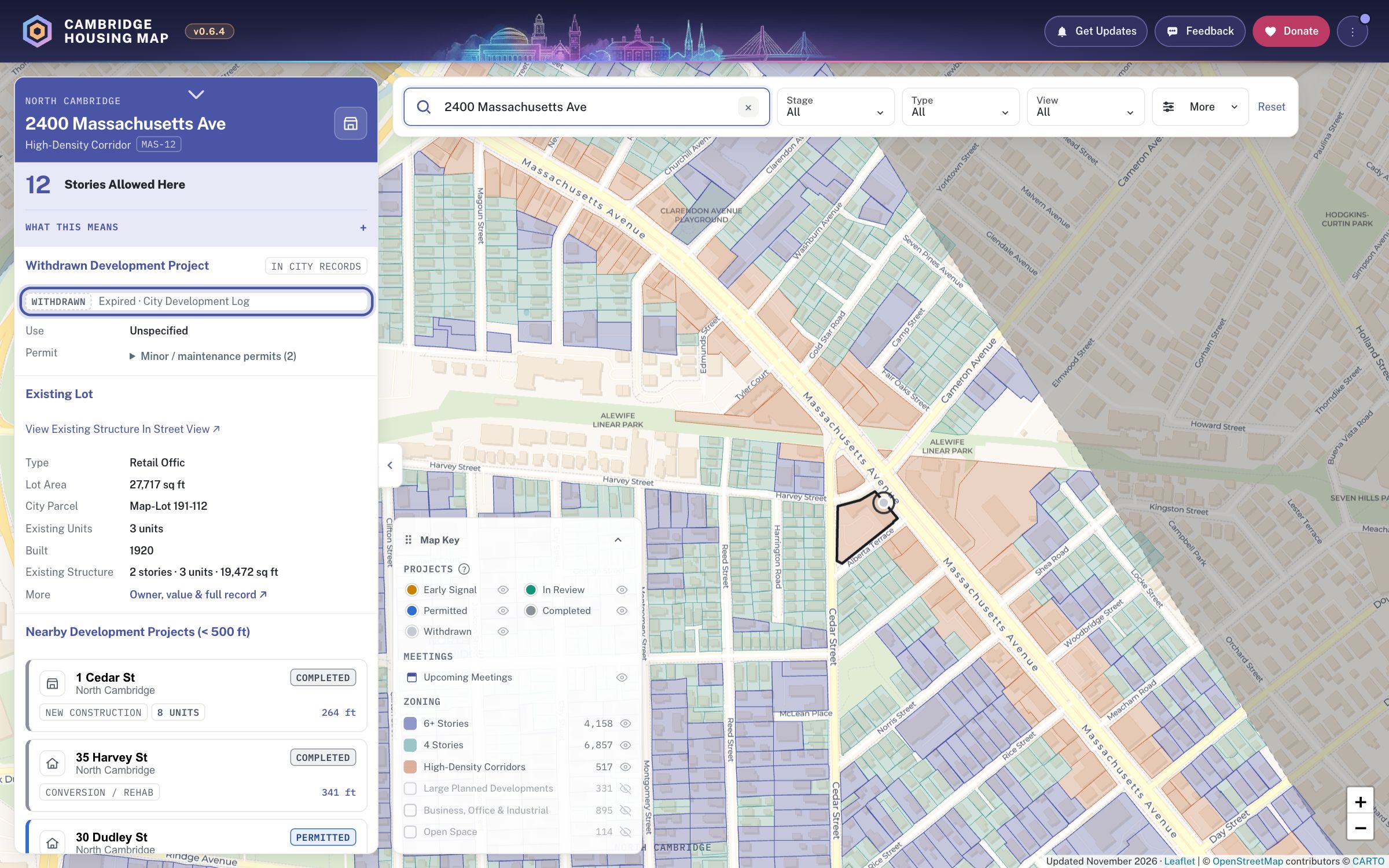
An official record says the project was withdrawn, cancelled, expired or revoked. These stay on the map so you can see what was proposed. If the site later gets a permit for new building work, the project moves back to that stage.
What Gets on the Map
A project needs to change a building in a real way. We include new buildings, demolitions of a main building, work that adds or removes units, and major renovations that physically change a building. A renovation needs a permit for $1.5 million or more, and it has to add space, change the footprint, remove structural parts, change the building's use, or fully gut a residential building. Every project on the City's Housing Development Dashboard and Development Log is included too.
Garages, sheds, pools, interior fit-outs for offices and shops, and routine repairs are left off. If a project you know about is missing, or sits at the wrong stage, use the Feedback button to tell us.
One Pin per Project
Big projects often have many permits: a demolition, a new building, a few changes along the way. We group them into one project with one pin and list each permit in the project panel. The stage follows the main building work, not the smaller permits around it.